


Get closer insight into your ServiceNow Incidents – Power BI
- Jul 17, 2017
- 1 min read
ServiceNow offers multiple products and solutions including business, operations and IT management to improve your business. This content pack includes multiple reports and insights on your open, recently resolved and recently closed incidents.
Connect to the Power BI content pack for ServiceNow Incidents.
How to connect ?
Select Get Data at the bottom of the left navigation pane.

In the Services box, select Get.

Search for ServiceNow as shown below and Select ServiceNow Incidents > Get it now

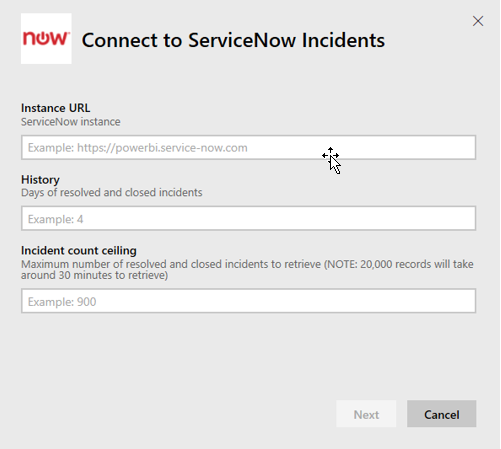
Provide the URL of your ServiceNow instance and the range of days/records to bring in. When prompted, enter your ServiceNow Basic credentials.
Note : single sign on is not supported today, more details on the system requirements below.As soon as limit is hit the import will stop.
Once the login flow is completed the import process will begin. When complete, a new dashboard, report and model will appear in the Navigation Pane. Select the dashboard to view your imported data.

Comments